The ninja time autumn event codes list changed again in late October 2026, so an old list can waste your time. This guide is checked as of October 30, 2026, and it separates the codes that still work from the autumn code that has just expired.
That split matters most for the ninja time autumn event codes search itself. The autumn-named code, SpookyAutumn!, is no longer listed as working in the October 30, 2026 updates, while three seasonal codes from the same autumn and Halloween update window are still listed as active. Redeem those three first, and do not spend time retrying the expired one.
Table of Contents
- What Are the Ninja Time Autumn Event Codes?
- Ninja Time Autumn Event Codes at a Glance
- Working Ninja Time Autumn Event Codes in Detail
- The Autumn Code That Expired: SpookyAutumn!
- How to Redeem Ninja Time Autumn Event Codes
- How to Use Your Free Spins Wisely
- Why a Ninja Time Autumn Event Codes Entry Stops Working
- Related GameCresta Guides to Read Next
- FAQs
What Are the Ninja Time Autumn Event Codes?
Ninja Time, formerly known as The Time of Ninja, is a Naruto-inspired Roblox RPG. You build a shinobi by spinning for a clan, an element, and a family, then you explore, quest, and fight across its ninja world.
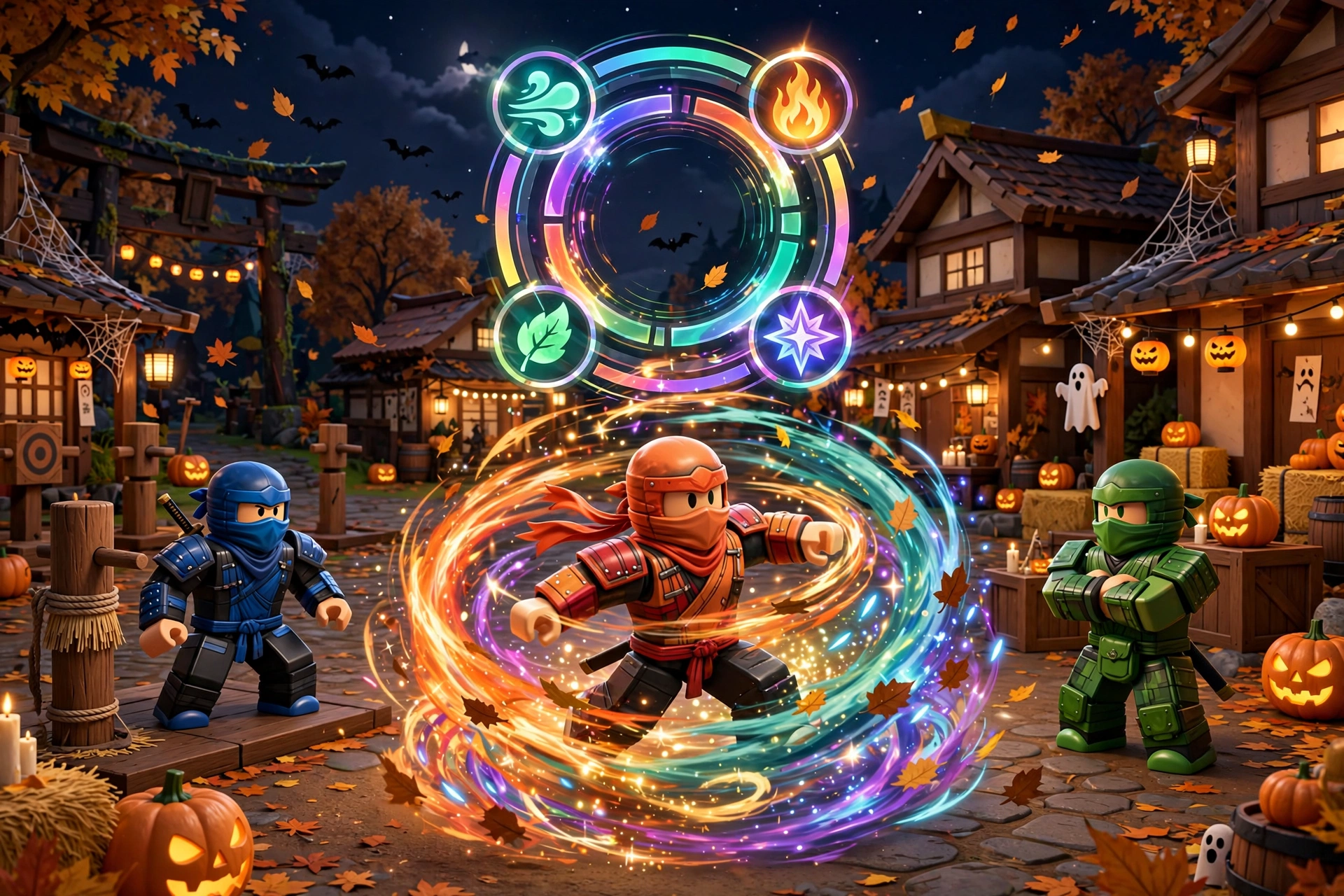
The ninja time autumn event codes are the promo codes tied to the game’s autumn and Halloween update window, including the Autumn Event and Immortal Clan update branding used by code guides. Their rewards are free spins, which you use to reroll your clan, element, and family picks.
Guides describe the rewards as spins across the board, meaning spins that apply across the game’s spin pools rather than to one single category. That wording is why this guide keeps the reward text exactly as the sources state it, instead of splitting each code into invented clan-only or element-only amounts.
Ninja Time Autumn Event Codes at a Glance
The table below is the whole story of the ninja time autumn event codes as of October 30, 2026. Three seasonal codes are working, and they add up to 100 spins across the board.
| Code | Reward | Status as of October 30, 2026 |
|---|---|---|
| HalloweenEvent26! | 50 Spins Across The Board | Working |
| SpookyHalloween! | 25 Spins Across The Board | Working |
| ImmortalClan! | 25 Spins Across The Board | Working |
| SpookyAutumn! | 25 Spins Across The Board (when active) | Expired |
No expiry date was published for the three working codes in the sources checked for this guide. That is normal for Ninja Time codes, which guides warn can expire without warning, so redeem them now rather than saving this page for later.
The working list above is confirmed by two October 30, 2026 updates: Destructoid’s October 30, 2026 codes list (https://www.destructoid.com/the-time-of-ninja-codes/) and Twinfinite’s October 30, 2026 update (https://twinfinite.net/roblox/the-time-of-ninja-codes/). Both list the same three codes as active, and both move SpookyAutumn! to their expired lists.
Working Ninja Time Autumn Event Codes in Detail
Start with HalloweenEvent26!, because it is worth twice as much as either of the other two working codes. It gives 50 Spins Across The Board, which makes it the single biggest free-spin code in the current ninja time autumn event codes list.
Next, redeem SpookyHalloween! for 25 Spins Across The Board. Then redeem ImmortalClan! for another 25 Spins Across The Board, which brings your total from the three working codes to 100 spins.
- HalloweenEvent26!: 50 Spins Across The Board — redeem first, because it is the largest reward
- SpookyHalloween!: 25 Spins Across The Board — a seasonal Halloween code from the same update window
- ImmortalClan!: 25 Spins Across The Board — tied to the Immortal Clan update branding in the autumn code lists
- Total from all three working codes: 100 Spins Across The Board
Each code can only be redeemed once per account, so you cannot repeat a code for a second payout. That once-per-account rule is also why a code that gives you nothing on a second try is not necessarily broken: it may already be claimed on your account.
The Autumn Code That Expired: SpookyAutumn!
SpookyAutumn! is the code most players are actually searching for when they type ninja time autumn event codes, because it carries the autumn name. It previously gave 25 Spins Across The Board, and older lists from October 25, 2026 still showed it as active.
The October 30, 2026 updates changed that status. Destructoid and Twinfinite both now list SpookyAutumn! among their expired codes, and SuperCheats’ expired codes list (https://www.supercheats.com/ninja-time-codes) does the same. This guide therefore lists it as expired, even though TryHard Guides’ Autumn Event and Immortal Clan list (https://tryhardguides.com/the-time-of-ninja-codes/) — an older update — still showed it as working.
That conflict is worth stating plainly, because it explains why two pages can disagree. The newer October 30 check wins over the older list, and trying SpookyAutumn! again will only help if the developers reactivate it later.
| Recently expired code | Reward when it was active |
|---|---|
| SpookyAutumn! | 25 Spins Across The Board |
| QoLUpdate! | 15 Spins Across The Board |
| BlackFlamesRework! | 50 Spins Across The Board |
| MinorQoL! | 20 Spins Across The Board |
| GuildsPart2Soon! | 20 Spins Across The Board |
| SkeletonSizeIncrease! | 20 Spins Across The Board |
| QualityOfLife! | 15 Spins Across The Board |
The rewards in the expired table are the rewards those codes gave when they were active, as reported by the older code lists. They are not rewards you can claim now, and this guide does not present them as working codes.
How to Redeem Ninja Time Autumn Event Codes
Redeeming the ninja time autumn event codes takes less than a minute once you know where the code box lives. Guides describe two slightly different menu labels for the same feature, so try the first path and fall back to the second if your version shows the other label.
First, open Ninja Time on Roblox on PC or mobile. Then tap the Menu button in the top-left corner of the screen, and open the Extra Menu. From there, look for the Codes button, or the Twitter bird icon that opens the code text box on the left side of the screen.
Type or paste one code exactly as shown in this guide, including its capital letters and its exclamation mark, then press Enter or Redeem. If the code is still active and unclaimed on your account, the spins are added right away.
- Open Ninja Time on Roblox, on PC or mobile
- Tap Menu in the top-left corner, then open the Extra Menu
- Tap Codes, or the Twitter bird icon if your version shows that instead
- Enter the code exactly, including capitals and the exclamation mark
- Press Enter or Redeem, and check that your spin count has increased
- Repeat for the next code, and restart the game if a brand-new code does not register at first
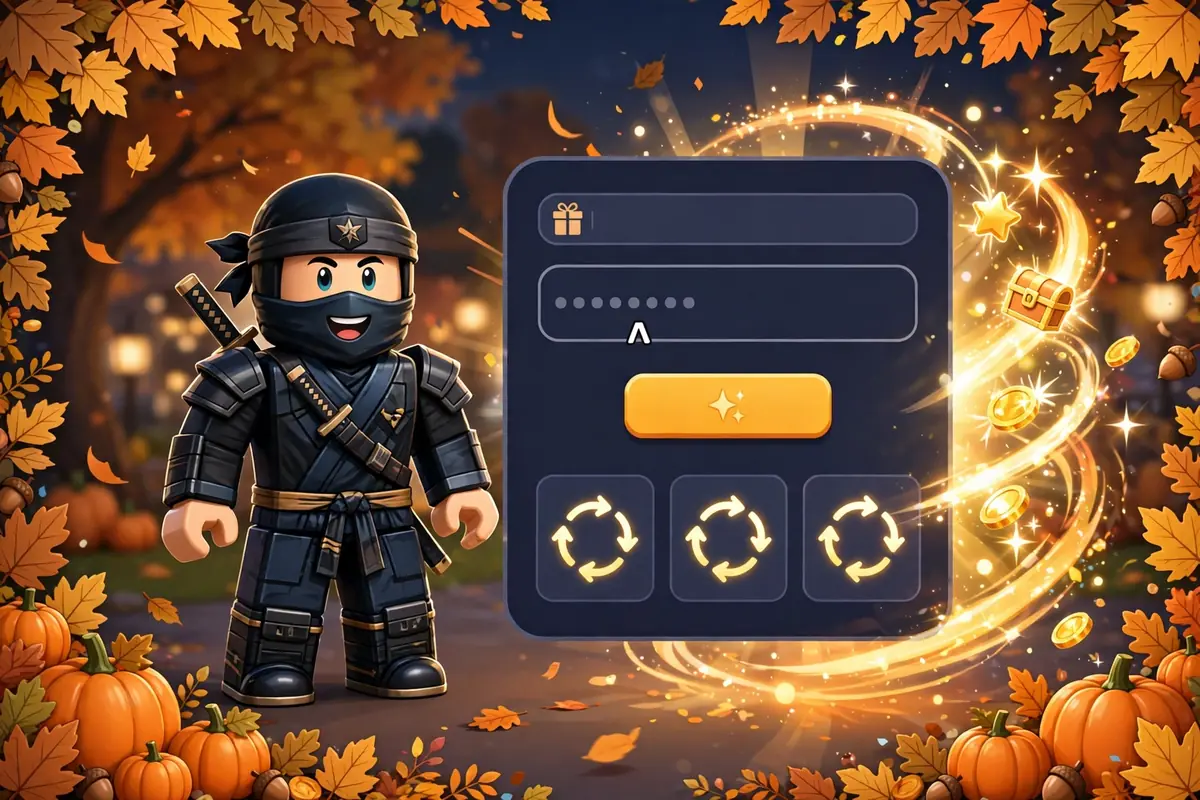
Codes in Ninja Time are case-sensitive, so copying and pasting directly from this guide beats retyping them. A single missing exclamation mark or a swapped capital letter is enough for the game to reject an otherwise valid code.
How to Use Your Free Spins Wisely
One hundred spins sounds like a lot, but rare clans and elements can still take many rolls. The smart move with the ninja time autumn event codes is to decide what you actually want before you start spinning, instead of burning spins at random.
If you are early in the game, use your spins to fix your weakest slot first. A better clan or element changes how your whole build feels, while a marginal family reroll can wait until your main picks are settled.
- Decide your target clan, element, or family before you spin
- Fix your weakest slot first, rather than rerolling a pick you already like
- Stop when you land a pick you are happy with, and save the rest for a future update
- Do not chase one ultra-rare roll with every spin, because no code guarantees a specific result
Saving some spins is also a practical hedge against the next update. New clans and elements arrive with new updates, and spins saved from the ninja time autumn event codes are still useful when that next batch lands.
Why a Ninja Time Autumn Event Codes Entry Stops Working
Most failed redemptions have one of four causes, and only one of them means the code list was wrong. The first cause is expiry: developers retire codes without warning, which is exactly what happened to SpookyAutumn! between the October 25 and October 30, 2026 lists.
The second cause is a typo, including a missing exclamation mark or wrong capitalization. The third cause is a code that was already redeemed on your account, since each code works only once per account.
The fourth cause is timing. A brand-new code can fail to register until you close and reopen the game, so a restart is worth trying before you declare a fresh code dead. If a code still fails after a restart and an exact copy-paste, treat it as expired and move on to the next working code.
- Expired: the code was retired, as with SpookyAutumn! in the October 30 lists
- Typo: wrong capitals, or a missing exclamation mark or punctuation mark
- Already claimed: each code works once per account, even while it stays active for others
- Needs a restart: close and reopen the game, then try a brand-new code again
- Wrong game version: guides note the game is reported as inaccessible on console versions of Roblox, so use PC or mobile
No USD price is claimed for the ninja time autumn event codes themselves, because the codes are free to redeem in game. This guide also claims no expiry date for the three working codes, because none was published in the sources checked, and inventing one would mislead readers.
Related GameCresta Guides to Read Next
If you follow seasonal event guides across games, these related GameCresta guides cover the same pattern: a fixed event window, a clear reward, and a deadline you should not miss.
- Escape from Tarkov Halloween Event (https://gamecresta.com/escape-from-tarkov-halloween-event/) — another Halloween event guide with a fixed launch window and limited-time rules.
- Marvel Rivals Night of Illusions Patch (https://gamecresta.com/marvel-rivals-night-of-illusions-patch/) — a Halloween patch guide with event details for a different game.
- Pokemon Go Halloween 2026 Part 1 (https://gamecresta.com/pokemon-go-halloween-2026-part-1/) — a Halloween event guide with costumes, raids, and a short event window.
- GameCresta Home (https://gamecresta.com/) — the GameCresta homepage for more gaming guides.
FAQs
What are the ninja time autumn event codes?
The ninja time autumn event codes are the promo codes from Ninja Time’s autumn and Halloween update window, including the Autumn Event and Immortal Clan update branding. As of October 30, 2026, three seasonal codes are working, worth 100 spins across the board in total.
Which ninja time autumn event codes still work as of October 30, 2026?
The working ninja time autumn event codes as of October 30, 2026 are HalloweenEvent26! for 50 Spins Across The Board, SpookyHalloween! for 25 Spins Across The Board, and ImmortalClan! for 25 Spins Across The Board. Together they give 100 spins, and each code works once per account.
Is SpookyAutumn! still a working ninja time autumn event codes entry?
No, SpookyAutumn! is no longer a working ninja time autumn event codes entry as of October 30, 2026. It previously gave 25 Spins Across The Board, but the October 30, 2026 updates from Destructoid, Twinfinite, and SuperCheats all list it as expired.
How do I redeem ninja time autumn event codes?
To redeem ninja time autumn event codes, open Ninja Time on Roblox, tap Menu in the top-left corner, open the Extra Menu, and tap Codes or the Twitter bird icon. Enter the code exactly, including capitals and the exclamation mark, then press Enter or Redeem.
Do ninja time autumn event codes expire?
Yes, ninja time autumn event codes expire without warning, and no expiry date was published for the three working codes in the sources checked for this guide. SpookyAutumn! is the latest example, moving from active in older October 25, 2026 lists to expired in the October 30, 2026 updates.
Can I use ninja time autumn event codes more than once?
No, you cannot use ninja time autumn event codes more than once per account. Each code gives its spins only on its first successful redemption, so a second attempt giving nothing usually means the code is already claimed, not that the list is wrong.
For More Updates Visits : GAME CRESTA





2 Responses