
Xbox Series X Overheating Fix: Stop the Shutdowns With Microsoft’s Own Steps
Your console was fine, then the screen went black mid-game, or a heat warning appeared. Take a breath. In most cases, an xbox series x overheating fix is not a repair job at all. It is a placement job, a cleaning job, or a cooling-down job.
This guide walks you through the xbox series x overheating fix in the right order. Everything here stays outside the case. Test the console after each step of the xbox series x overheating fix. Bookmark this page — we will update it if Microsoft changes its guidance.
Table of Contents
Microsoft’s First Response
How the Cooling Works
Move the Console
Clean the Vents Safely
Check the Room and the Power Supply
Quick-Fix Checklist
When the Shutdowns Keep Happening
FAQs
Start With Microsoft’s First Response: The Xbox Series X Overheating Fix Begins With One Hour Off
SUMMARY: If your console has shut down with a heat warning, turn it off, wait at least one hour, and move it to an open, ventilated spot.
Do this first, before anything else. This is the xbox series x overheating fix Microsoft describes for a console that reports it is getting too hot.
- Turn the console off completely.
- Wait at least one hour, as Microsoft specifies.
- While it cools, move it to an open, ventilated spot on a hard surface.
- Turn it back on and replay the triggering game.
If the console then runs normally, trapped heat was the problem, and better placement is the fix. If it shuts down again quickly, keep going: the cause is usually still fixable from the outside.
How the Xbox Series X Overheating Fix Starts: Know the Airflow First
SUMMARY: The Series X pulls cool air in at the base and pushes hot air out of the top vent, so anything blocking that path works against it.
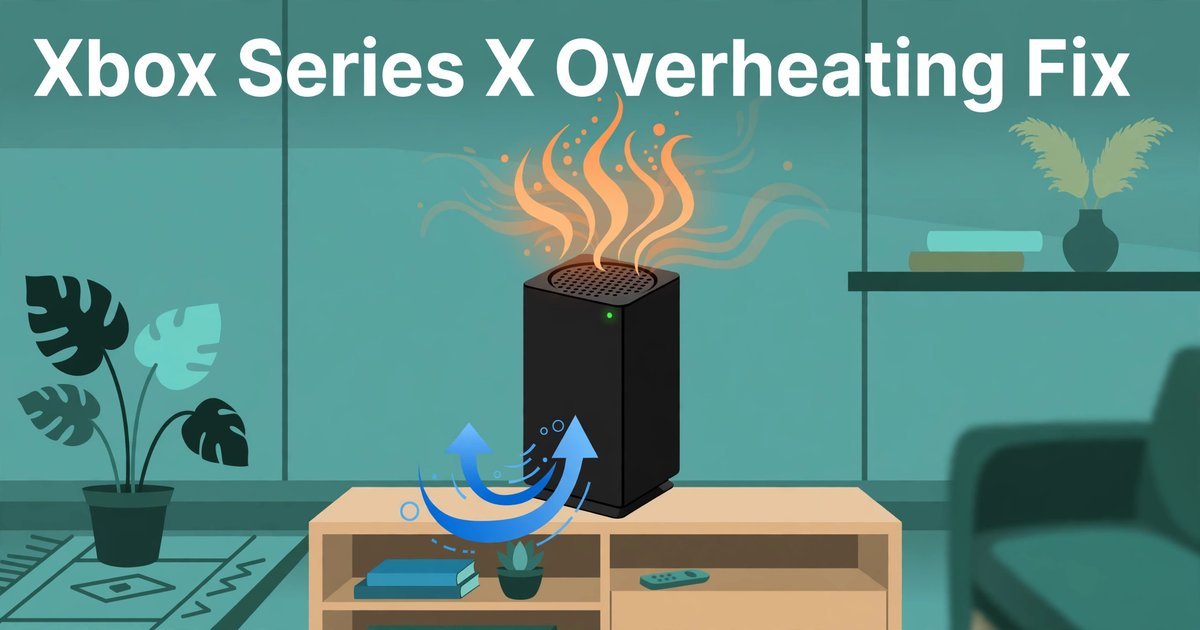
The Series X is a tall black tower, and its shape is part of its cooling. Cool air comes in at the base and leaves as hot air through the top vent. Anything sitting on the console, pressed against it, or boxing it in works directly against the airflow path.
Ignoring airflow makes any xbox series x overheating fix temporary. Microsoft’s manual puts the operating range at 41 to 95°F (5 to 35°C) — room temperature, not inside temperature. A hot room, or a console next to a radiator or sunny window, pushes intake air past what the cooler can handle. Clear space at the base lets cool air in; clear space above the top vent lets hot air out.
The smaller Series S works the same way. It has a 65W TDP, and Technobezz notes it needs at least 4 inches of clearance above its top vent. The Series X runs hotter, so it deserves at least as much clearance.
Hot air from the top vent and a louder fan are usually normal. A warm or hot vent while you play means the cooling design is doing its job. A fan that rises in busy scenes and quiets in menus is normal. What matters is the pattern: a fan suddenly much louder than before points to dust or placement. That is worth a clean and a placement check, not a panic.
The real warning signs are different. A heat or ventilation message, followed by a shutdown. Shutdowns mid-game more than once, especially at the same point. And shutdowns that happen sooner and sooner each time you play. Those mean the thermal protection is working. One shutdown on a very hot day, then normal running, is a lesson about placement, not a reason for an xbox series x overheating fix.
Move the Console: Placement Is the Real Xbox Series X Overheating Fix
SUMMARY: Most overheating shutdowns trace back to where the console sits, so move it out of enclosed spaces and off soft surfaces first.
Placement is where most xbox series x overheating fix stories actually end. Before you buy or clean anything, look at where it lives. Is it in a closed cabinet, on a bed or sofa, or with something on top? Any one of those can be the whole problem.
Microsoft’s ventilation guidance is clear about the surfaces to avoid. Do not place the console on a bed, sofa, or other soft surface that can block its openings. Do not place it in a confined space such as a bookcase or stereo cabinet, unless that space is well ventilated.
- Put it on a stable, hard, flat surface.
- Keep it uncluttered: nothing on, under, or right next to it.
- Leave at least 4 inches clear above the top vent; more is better.
- Keep it away from radiators and direct sunlight.
- Never stack anything on top of the console.
If you already moved it, make the new spot permanent. A console in the open, on a hard surface, rarely needs an xbox series x overheating fix at all. The cabinet was the problem.
Clean the Vents Safely: Dust Is the Slow Xbox Series X Overheating Fix
SUMMARY: Dust builds up on the vents over months and chokes the airflow, so clean the outside gently with a soft brush or short bursts of compressed air.
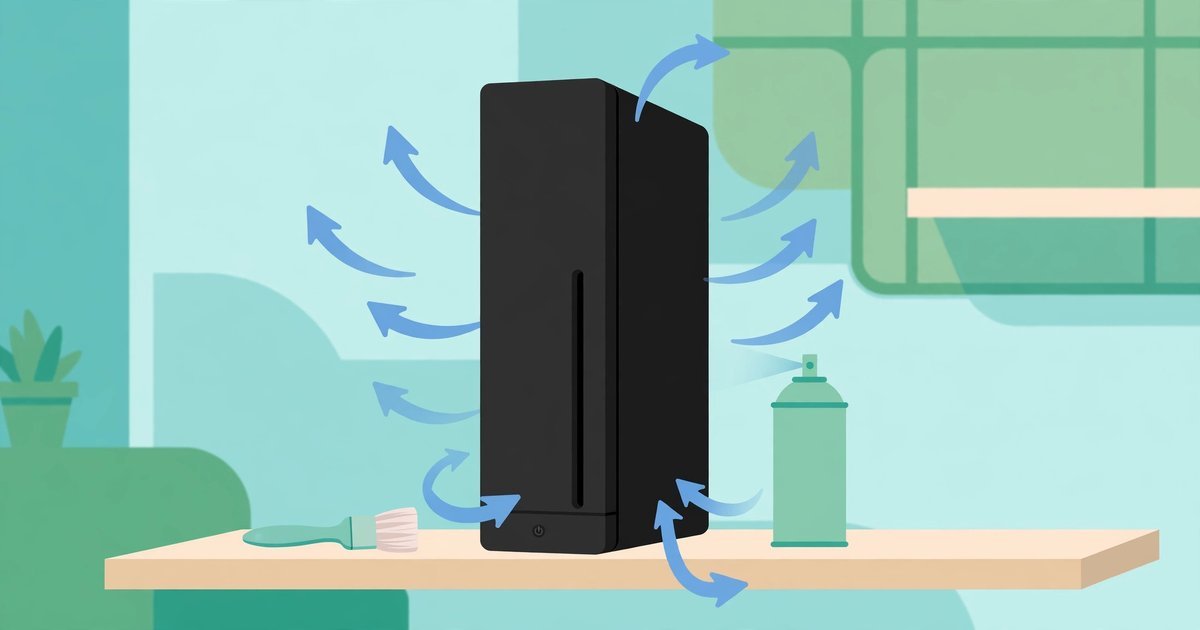
Dust settles on the vents a little at a time until the airflow that was fine on day one is no longer enough. If shutdowns started gradually after a year in the same spot, dust is a strong suspect.
Start with the console off and unplugged, in good light. Brush the top vent and base intake lightly with a soft, dry brush. Then use short bursts of compressed air on the grille. Hold the can upright and use brief bursts, not one long blast.
Never use a vacuum cleaner on the vents, and do not poke anything into the vent holes. If the vents were clogged, clean them and test with the same game that triggered the shutdown. For many owners, this is the step where the xbox series x overheating fix finally sticks.
Check the Room and the Power Supply: Two Overlooked Parts of Any Xbox Series X Overheating Fix
SUMMARY: A hot room makes the console’s job harder, and a faulty power supply can mimic a heat shutdown.
The operating range is 41 to 95°F (5 to 35°C). A sunny living room can sit above that range. If shutdowns happen mostly on hot afternoons, the room is part of the story.
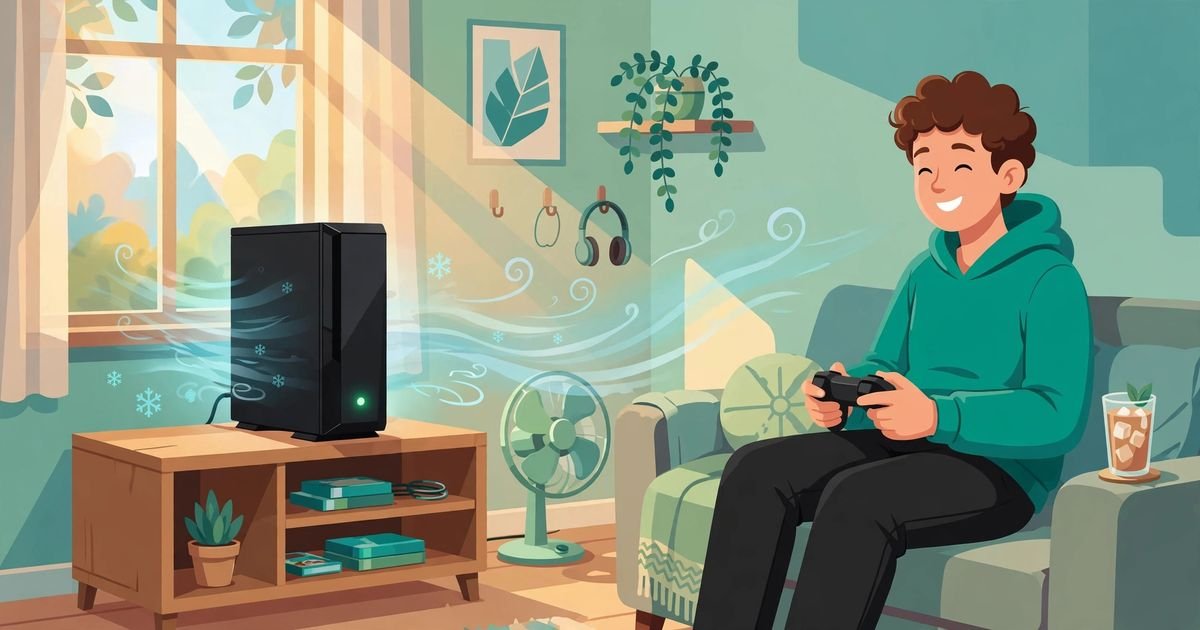
Move it out of direct sunlight, which heats a black tower fast. Keep it away from radiators and other warm electronics. Open a window or run a room fan on hot days. Just keep the air around it moving. This room check belongs in any xbox series x overheating fix.
The Series X power supply is built inside, so there is no external brick. Check the cable is seated firmly at both ends and the outlet is sound. Check any extension lead or power strip is in good condition and not overloaded. A tired strip can cause random switch-offs that look like overheating, so test from a wall outlet. This power check is part of the xbox series x overheating fix.
Quick-Fix Checklist: The Xbox Series X Overheating Fix in One Table
SUMMARY: Work through the fix in order, from the fastest step to the last resort.
| Step | What to do | Time needed |
|---|---|---|
| 1 | Turn the console off completely | 1 minute |
| 2 | Wait at least one hour | 1 hour |
| 3 | Move it to an open, hard surface | 5 minutes |
| 4 | Clear everything around it | 2 minutes |
| 5 | Leave clear space above the top vent | 2 minutes |
| 6 | Brush vents; compressed air bursts | 10 minutes |
| 7 | Move it out of sunlight and away from radiators | 5 minutes |
| 8 | Check cable and outlet; test a wall outlet | 5 minutes |
| 9 | Replay the game that triggered the shutdown | 1 session |
| 10 | If it shuts down again, contact Xbox Support | Varies |
Work through it in order. Each step is cheap, and each rules something out. If step 9 plays through, the xbox series x overheating fix has worked. In one line: cool it down, move it into the open, clean the vents, keep the room cool. That is the whole xbox series x overheating fix in most cases.
When the Shutdowns Keep Happening After an Xbox Series X Overheating Fix
SUMMARY: If the console still shuts down, stop repeating these steps and contact Xbox Support.
Sometimes you do everything right and the shutdowns continue. The console is in the open, the vents are clean, and it still switches itself off. At that point, stop repeating the same steps of the xbox series x overheating fix. The cause is now likely inside the console: a failing fan or a hidden hardware fault.
Contact Xbox Support. Microsoft’s support site has a ventilation page with the same steps, and its repair service can check a console under warranty. You can read Microsoft’s own ventilation guidance at support.xbox.com. Under warranty, do not open it: that can void the warranty. Tell support what you have tried.
Note the pattern: the game, how long it had been on, any warning, and whether shutdowns come sooner. Some guides will tell you to open the console and replace the thermal paste or fan. This guide will not: the manual states it has no user-serviceable parts inside. If the outside steps have not worked, use a service centre, not a screwdriver. While you wait, see our Xbox controller won’t connect fix, Xbox NAT type strict fix, and Xbox Quick Resume fix. For more Xbox help, visit the GameCresta homepage.
Xbox Series X Overheating Fix: FAQs
SUMMARY: The questions owners ask most after a shutdown.
How long should I leave my Xbox Series X off after an overheating shutdown?
Microsoft says to turn the console off and wait at least one hour. That hour lets the inside of the console cool down properly. A shorter wait risks another shutdown straight away. Use the hour to move the console to its new open spot.
Is it normal for the top of my Xbox Series X to feel hot?
Yes. The tower pulls cool air in at the base and pushes hot air out of the top vent, so it will feel warm or hot while you play. A heat warning followed by a shutdown, or shutdowns that keep repeating, is not normal. Hot air alone is not a fault, and it does not mean you need an xbox series x overheating fix.
How much clearance does an Xbox Series X need above the top vent?
Microsoft says the space around the console should be uncluttered. Repair guides suggest at least 4 inches clear above the top vent; Technobezz notes the Series S needs at least 4 inches above its vent. Give the Series X at least that much. That clearance is a simple xbox series x overheating fix.
Can dust really cause an Xbox Series X overheating shutdown?
Yes, over time. Dust settles on the vents a little at a time and slowly chokes the airflow. Brush the vents gently, use short bursts of compressed air, and never use a vacuum on the vents. A light clean every few months is sensible, and it is the cheapest xbox series x overheating fix there is.
Does an Xbox Series X overheating fix work if the console shuts down with no message?
It can, but a silent shutdown is not always heat. Microsoft treats a silent switch-off as possibly a power issue, so check the cable, the outlet, and any extension lead. If the heat steps change nothing, rule out the power path before you contact support — a step every xbox series x overheating fix should include.
Should I open my Xbox Series X to clean inside it or replace the fan?
No. The Series X manual states it has no user-serviceable parts inside, and opening it risks damage and can void your warranty. If it still shuts down after the placement, cleaning, and cooling steps, contact Xbox Support.
For More Updates Visits: GAME CRESTA