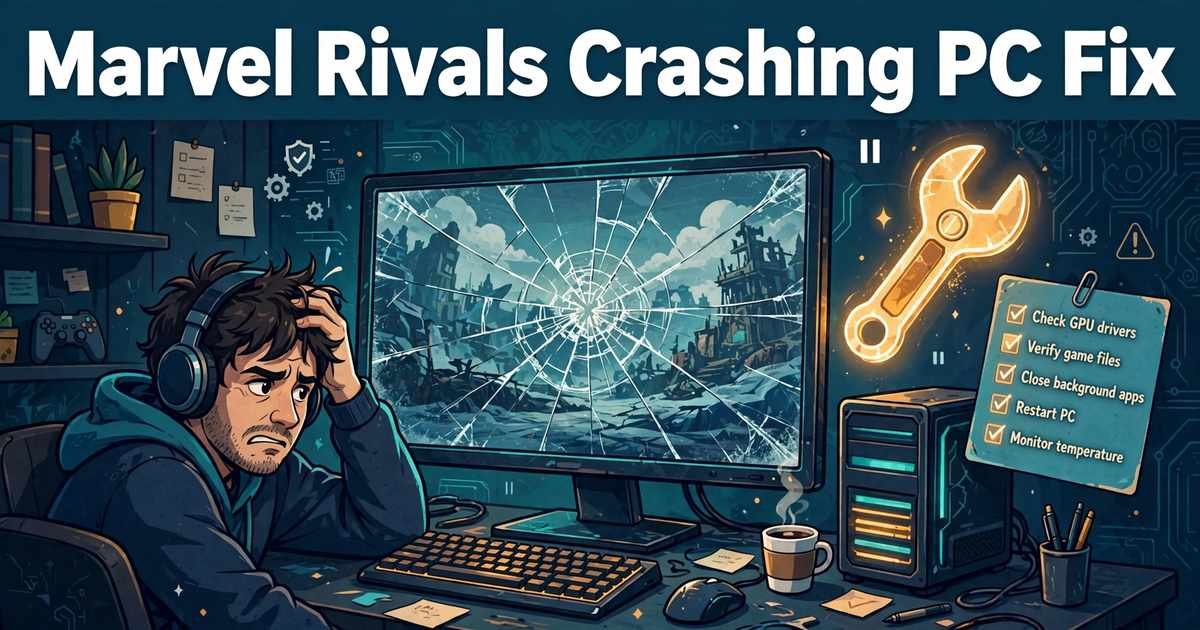
Marvel Rivals Crashing PC Fix: Stop Every Crash and Get Back in the Game
Nothing kills a match faster than a crash to desktop. This marvel rivals crashing pc fix guide follows the order NetEase itself recommends, so you stop the crashes instead of guessing at them.
Work through the steps in order and test the game after each one. Most crashes clear up in the first three fixes, and this marvel rivals crashing pc fix keeps the official steps first for a reason. Bookmark this page — we will update it when NetEase publishes new fixes.
Table of Contents
Start With NetEase’s Own Steps
Check the Minimum Requirements
Fix 1: Integrity Check and Repair
Fix 2: Clean-Install Your Graphics Driver
Fix 3: Antivirus and Firewall Exceptions
Fix 4: Random Crashes
Fix 5: Out of Video Memory
Fix 6: Clear the Shader Cache on NVIDIA
General PC Checks
Which Fix Matches Your Crash?
Send a Diagnose Report
FAQs
Start With NetEase’s Own Steps: The Marvel Rivals Crashing PC Fix Begins in the Launcher
SUMMARY: NetEase’s FAQ puts two steps first: the launcher Integrity Check and Repair, then a clean graphics-driver install.
NetEase published its Common Technical Issues FAQ on December 1, 2024. It gives the same order this marvel rivals crashing pc fix uses: repair the game files first, then fix the graphics driver.
Season 11, “Doomsday”, arrived on November 13, 2026, after the Dev Vision Vol. 23 reveal on November 10, 2026 — but the steps in this marvel rivals crashing pc fix have not changed. The source is here: NetEase Common Technical Issues FAQ.
Check Your PC Meets the Minimum Requirements
SUMMARY: Marvel Rivals needs DirectX 12, Windows 10 64-bit 1909 or newer, and a graphics card with at least 6GB of VRAM.
Marvel Rivals is built on Unreal Engine 5 and requires DirectX 12, Windows 10 64-bit version 1909 or newer, and a graphics card with at least 6GB of VRAM. The minimum cards are the GTX 1060, RX 580, and Arc A380.
A PC below that bar will crash no matter what you fix — no setting makes up for a card with less than 6GB of VRAM. A verified install and a clean driver still help a borderline PC, and that is why this marvel rivals crashing pc fix starts with the basics.
Fix 1: Run the Launcher Integrity Check and Repair
SUMMARY: Run Integrity Check and Repair in the launcher and let it replace damaged or missing files.
This is the first step in NetEase’s official FAQ, and the first step of this marvel rivals crashing pc fix. A single damaged file — from a bad download, a power cut, or an antivirus quarantine — can crash the game every time it loads that file.
- Open the Marvel Rivals launcher.
- Find the Integrity Check and Repair option.
- Run it and wait — do not close the launcher while it works.
- Launch the game and play a full match.
If the check replaces files, that may be the whole fix. If it finds nothing, your files are fine, and this marvel rivals crashing pc fix has already ruled out the most common cause.

Fix 2: Clean-Install Your Graphics Driver
SUMMARY: Remove your graphics driver completely, then install a fresh copy.
NetEase’s second official step is a clean install of your graphics driver. A normal update can leave broken files behind, and those leftovers are a classic cause of crashes that survive a file repair — which is why this marvel rivals crashing pc fix treats it as a separate step rather than a quick update.
- Download the latest driver for your card from NVIDIA, AMD, or Intel.
- Choose the clean-install option during setup, or uninstall the old driver first.
- Restart your PC after the install.
- Launch the game and test it.
If the crashes stop here, keep your driver updated — no marvel rivals crashing pc fix is complete while the driver is stale.
Fix 3: Antivirus and Firewall Exceptions — A Marvel Rivals Crashing PC Fix for Launch Crashes
SUMMARY: For launch crashes, stuck loading, or failed reconnects, add the game folder and Marvel-Win64-Shipping.exe to your antivirus and firewall exceptions.
This is NetEase’s official recommendation for three problems: crashing at launch, getting stuck after loading, and being unable to reconnect. Your antivirus or firewall can block the game from starting or reaching the servers, so the game crashes instead of showing a clear error — which is why this marvel rivals crashing pc fix puts exceptions here, right after the driver step.
- Open your antivirus settings and find the exclusions list.
- Add the whole Marvel Rivals game folder, and the file Marvel-Win64-Shipping.exe.
- Do the same in your firewall.
- Restart your PC, then launch the game.
If launch crashes stop here, this marvel rivals crashing pc fix has done its job.
Fix 4: Random Crashes — Verify Files and Switch Shader Compilation Mode
SUMMARY: For random mid-match crashes, verify your files, then try Switch Shader Compilation Mode in the launcher.
Random crashes are the hardest to pin down, because they never happen at the same moment twice. NetEase’s advice is a short list — verify the game files, clean-install the graphics driver, and try Switch Shader Compilation Mode — and this marvel rivals crashing pc fix follows it exactly.
Verify your files through your store — Steam, Epic, and the Loading Bay each have a verify option.
Then try Switch Shader Compilation Mode in the launcher — a different mode can stop crashes caused by badly built shaders. Switch the mode, restart, and play a few matches before judging — shader problems often take a match or two to show up, and a marvel rivals crashing pc fix that skips this step leaves a common cause unchecked.
Do not use the -dx11 launch option some players suggest. It is not documented by NetEase, and it can trigger a fatal RHI error of its own. A safe marvel rivals crashing pc fix never trades one crash for another.
Fix 5: “Out of Video Memory” Crashes on 13th and 14th-Gen Intel CPUs
SUMMARY: For “Out of Video Memory” crashes on 13th or 14th-gen Intel CPUs, update your motherboard BIOS first.
The “Out of Video Memory” crash has a specific cause on 13th and 14th-generation Intel CPUs, and NetEase’s official FAQ points to a BIOS update as the fix. This part of the marvel rivals crashing pc fix applies only to those CPUs.
- Check your motherboard maker’s support page for a BIOS update.
- Follow the maker’s instructions exactly, and do not interrupt the update once it starts.
- Restart, launch the game, and test it in a full match.
NetEase’s workaround: lower the Performance Core Ratio by 2 to 3 steps in Intel XTU (Intel Extreme Tuning Utility). Treat it as temporary — the BIOS update is the real fix, and this marvel rivals crashing pc fix is not finished until it is applied.
Fix 6: Clear the Shader Cache on NVIDIA Cards
SUMMARY: NVIDIA players should clear the shader cache, which removes old compiled shaders that can conflict with the current version.
If you play on an NVIDIA card and the crashes keep coming, clear the shader cache. The cache stores compiled shaders so the game loads faster, but after an update, old cached shaders can conflict with the new version and crash the game. It is a small step, but a useful one in any marvel rivals crashing pc fix for NVIDIA players.
Clear the cache through the NVIDIA Control Panel or the NVIDIA app, then launch the game. The first launch will take longer, because the game rebuilds the shaders. Play a few matches after the rebuild before deciding whether it helped — this marvel rivals crashing pc fix works best when you test each step properly.
General PC Checks That Still Help
SUMMARY: Close overlays, install Windows updates, free up disk space, run as administrator, and watch temperatures.
A thorough marvel rivals crashing pc fix checks the PC as well as the game.
- Close background overlays, including the Discord and Steam overlays.
- Install any waiting Windows updates.
- Free up disk space if the drive is nearly full.
- Run the game as administrator.
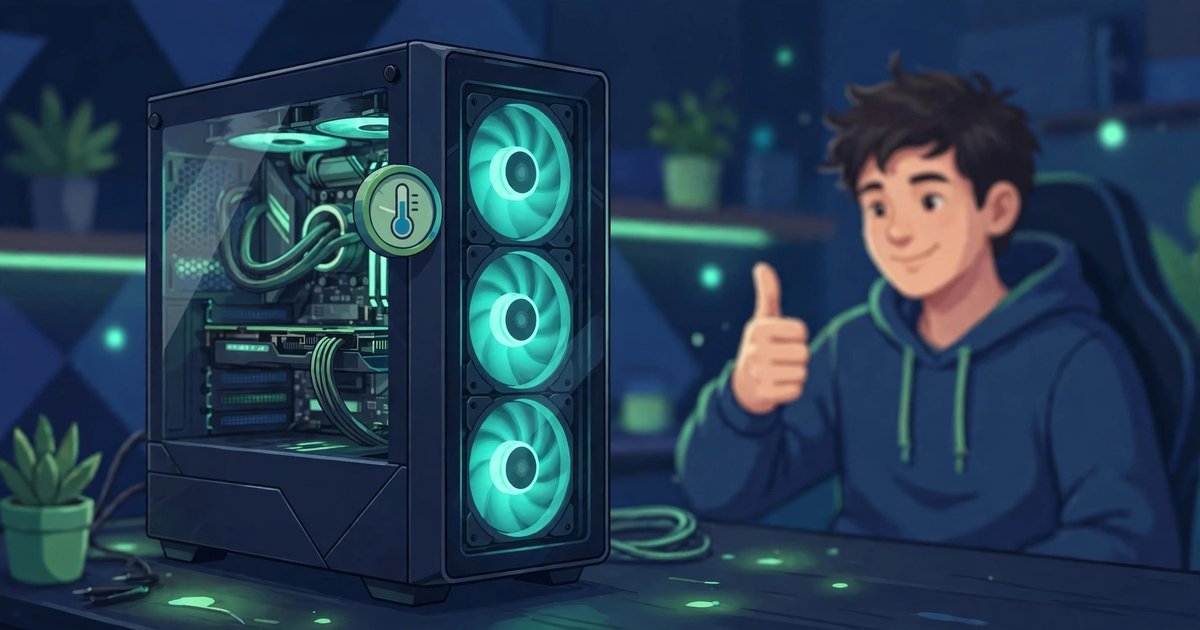
- Check your temperatures and clean dust from the fans.
The same basics fix the same class of problem in Dead by Daylight and Rainbow Six Siege. For Marvel Rivals news, see our Marvel Rivals Night of Illusions patch post. These steps sit behind every good marvel rivals crashing pc fix.
Which Marvel Rivals Crashing PC Fix Matches Your Crash?
SUMMARY: Match your crash to the table and try that fix first.
Match your crash to the table below and try that fix first — a shortcut inside this marvel rivals crashing pc fix, not a replacement for the steps themselves.
| Crash type | Try first |
|---|---|
| Crashes at launch | Antivirus and firewall exceptions (Fix 3) |
| Stuck after loading | Antivirus and firewall exceptions (Fix 3) |
| Cannot reconnect | Antivirus and firewall exceptions (Fix 3) |
| Random crashes mid-match | Verify files, Switch Shader Compilation Mode (Fix 4) |
| “Out of Video Memory” on 13th/14th-gen Intel | BIOS update, then Intel XTU workaround (Fix 5) |
| Crashes after a game update | Integrity Check and Repair (Fix 1) |
| Crashes after a driver update | Clean-install the graphics driver (Fix 2) |
| Crashes on NVIDIA after an update | Clear the shader cache (Fix 6) |
If your crash does not match any row, start at Fix 1 and work down in order.
Still Crashing? Send a Diagnose Report to NetEase
SUMMARY: If every fix above has failed, run client_diagnose.exe and send the ZIP to NetEase on the official Discord — never post it publicly.
When nothing on this page works, NetEase can look at your crash directly — if you send them the right file. Run client_diagnose.exe in the game folder — it collects your crash logs and system information into a ZIP file. This is the last step of this marvel rivals crashing pc fix, and the one that hands the problem to NetEase itself.
Send that ZIP to NetEase through the official Marvel Rivals Discord. Never post the diagnose ZIP publicly — it contains information about your PC that should not be shared openly.
Include a short note with your CPU and graphics card, when the crashes happen, and which fixes you have tried. A complete report is what makes this marvel rivals crashing pc fix useful even when it cannot fix the crash itself.
Marvel Rivals Crashing PC Fix: FAQs
SUMMARY: The questions players ask most after working through the fixes above.
Does verifying game files delete my progress in Marvel Rivals?
No. Verifying files only checks the game installation and replaces damaged files — the safest first step in any marvel rivals crashing pc fix. Your progress, heroes, and unlocks live on NetEase’s servers.
Why does Marvel Rivals crash at launch when other games work?
Something is blocking this game — most often your antivirus or firewall, or a damaged file. Run the Integrity Check and Repair first, then add the game folder and Marvel-Win64-Shipping.exe to your antivirus and firewall exceptions.
Is the -dx11 launch option safe?
No. It is not documented by NetEase as a fix, and it can trigger a fatal RHI error of its own. A safe marvel rivals crashing pc fix uses the official steps instead: verify your files, clean-install your graphics driver, and try Switch Shader Compilation Mode in the launcher.
What do I do about an “Out of Video Memory” crash on Intel 13th or 14th-gen?
Update your motherboard BIOS first — that is NetEase’s official advice, and the step this marvel rivals crashing pc fix puts first for Intel 13th and 14th-gen owners. Otherwise, lower the Performance Core Ratio by 2 to 3 steps in Intel XTU as a temporary workaround.
Do I need a new graphics card if Marvel Rivals keeps crashing?
Not necessarily. The minimum is a GTX 1060, RX 580, or Arc A380 with 6GB of VRAM, and a card that meets that bar should run the game once the files and driver are fixed. Only consider a new card if yours is below the minimum, or if crashes continue after every fix.
Where do I send my crash report if none of the fixes work?
Run client_diagnose.exe in the game folder, then send the ZIP it creates to NetEase on the official Marvel Rivals Discord. Never post the ZIP publicly, and mention which fixes you have tried. That report is the final step of this marvel rivals crashing pc fix.
For More Updates Visits: GAME CRESTA






One Response